Introduction
AI music generators promise radical speed for creative work. MusicGPT follows a clear premise: generate music, speech, and sound effects directly from text - without classic production software.
This article analyzes MusicGPT functionally and without marketing language. The goal is to show how the system works, where it is useful, and where technical limits are obvious.
Table of Contents
- Foundations: system idea and core principle
- Platform structure and navigation
- Music generation via text prompt
- Generation, variations, and playback
- History, downloads, and export
- Discover feed and trend exploration
- Credit system and cost logic
- Practical use cases
- Pros and cons
- Alternatives and positioning
- FAQ
- Conclusion
1. Foundations: System Idea and Core Principle
MusicGPT is an AI-based audio platform. The outputs are not composed in the traditional sense - they are statistically generated.
In simplified form:
- Text input -> interpretation by a model
- Derivation of sonic patterns
- Synthesis of a finished audio signal
The system does not "understand" music semantically. It estimates probabilities for which sonic events are likely to match a description.
2. Platform Structure and Navigation
The interface is intentionally minimal and follows a two-area model:
Generate- create new contentDiscover- explore existing AI tracks
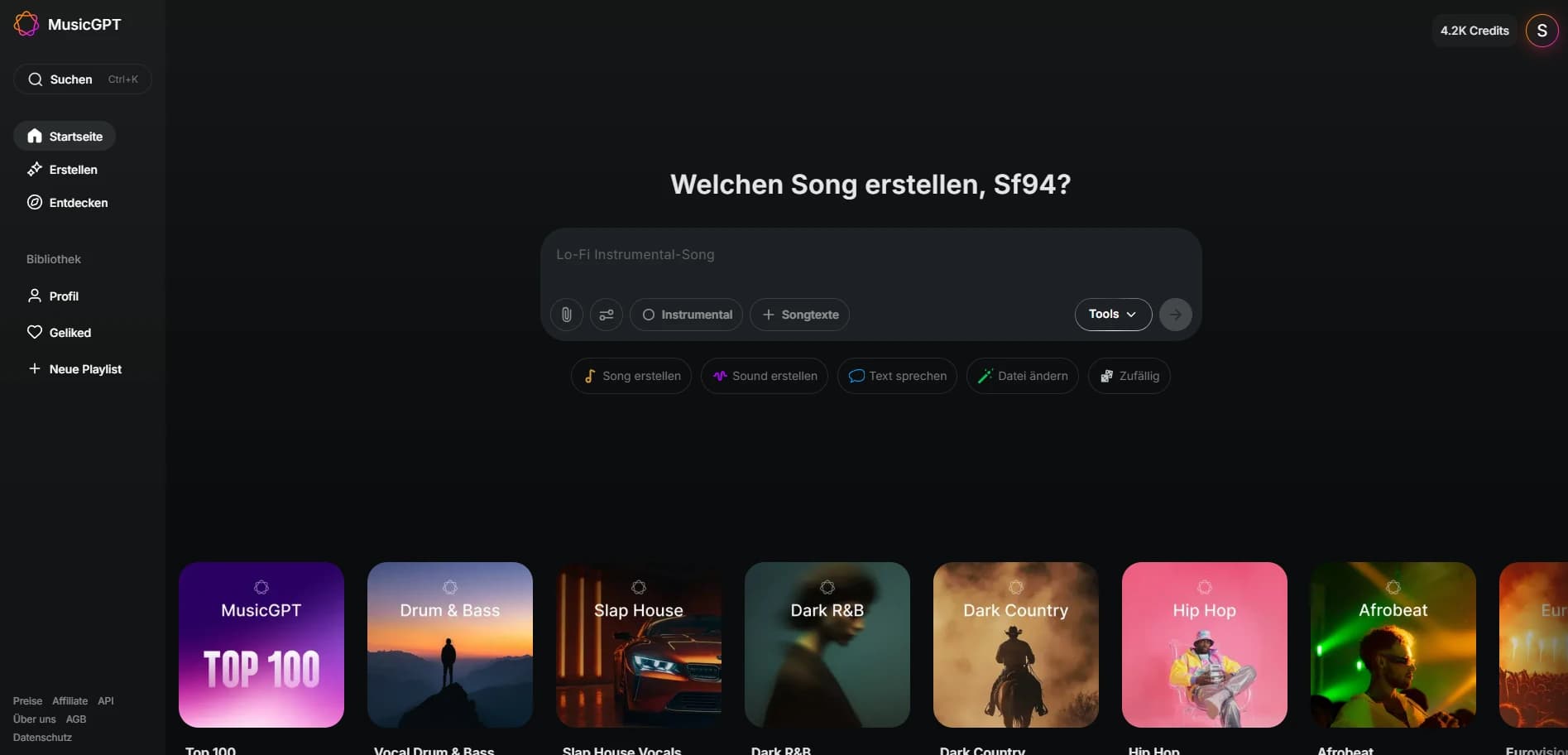
Low UI complexity keeps onboarding time short and lowers the entry barrier.
3. Music Generation via Text Prompt
—3.1 Prompt-Based Workflow
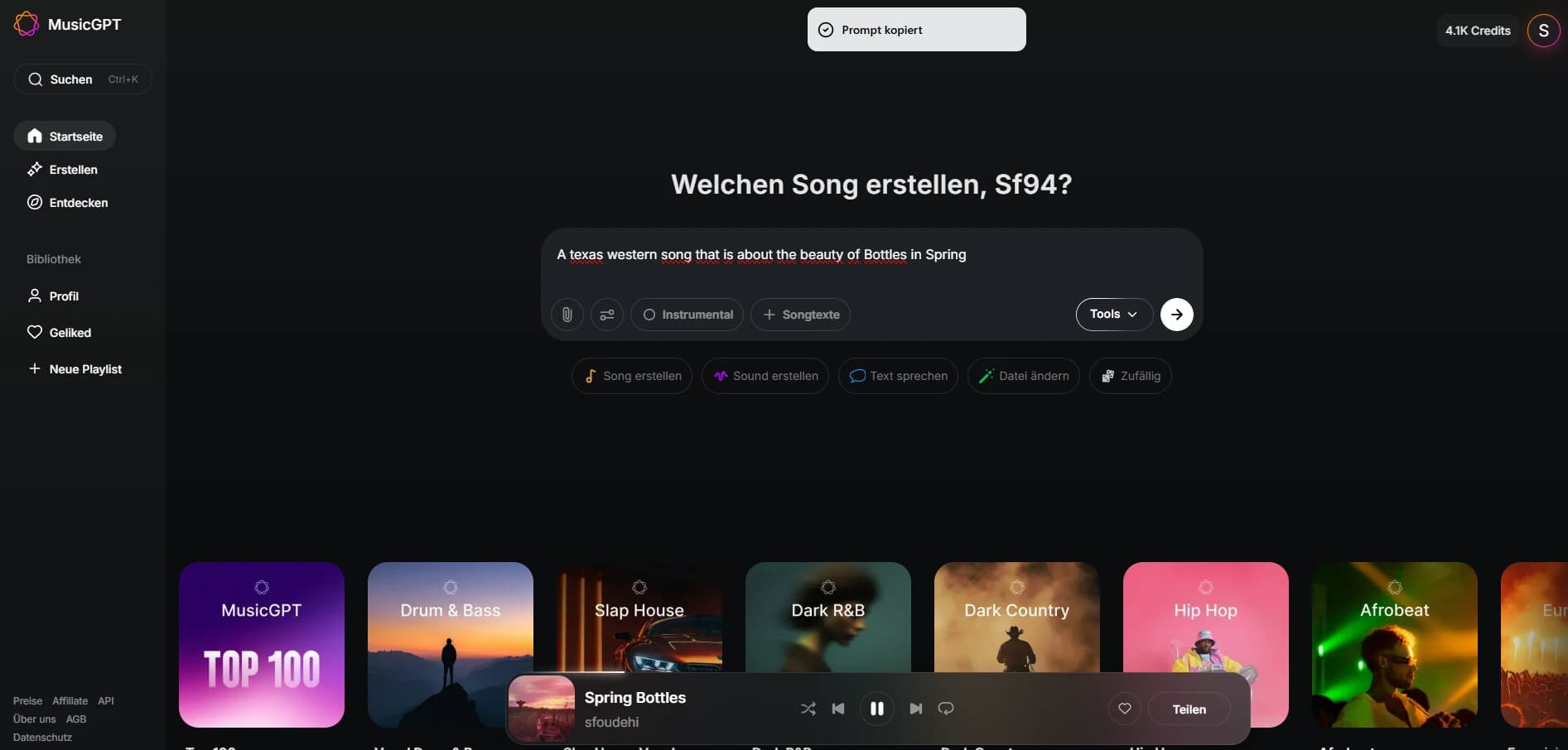
Music is generated exclusively from text. Typical prompt components:
- Genre or style
- Mood or context
- Tempo or dynamics
- Production aesthetics
—3.2 Output Characteristics
- Output arrives as a finished track
- No stems or separation
- No internal post-processing
Quality scales with prompt precision. Short prompts yield generic results, while detailed descriptions produce more structured output.
4. Generation, Variations, and Playback
The generation process outputs multiple versions. Playback and comparison happen directly in the interface without external tools.
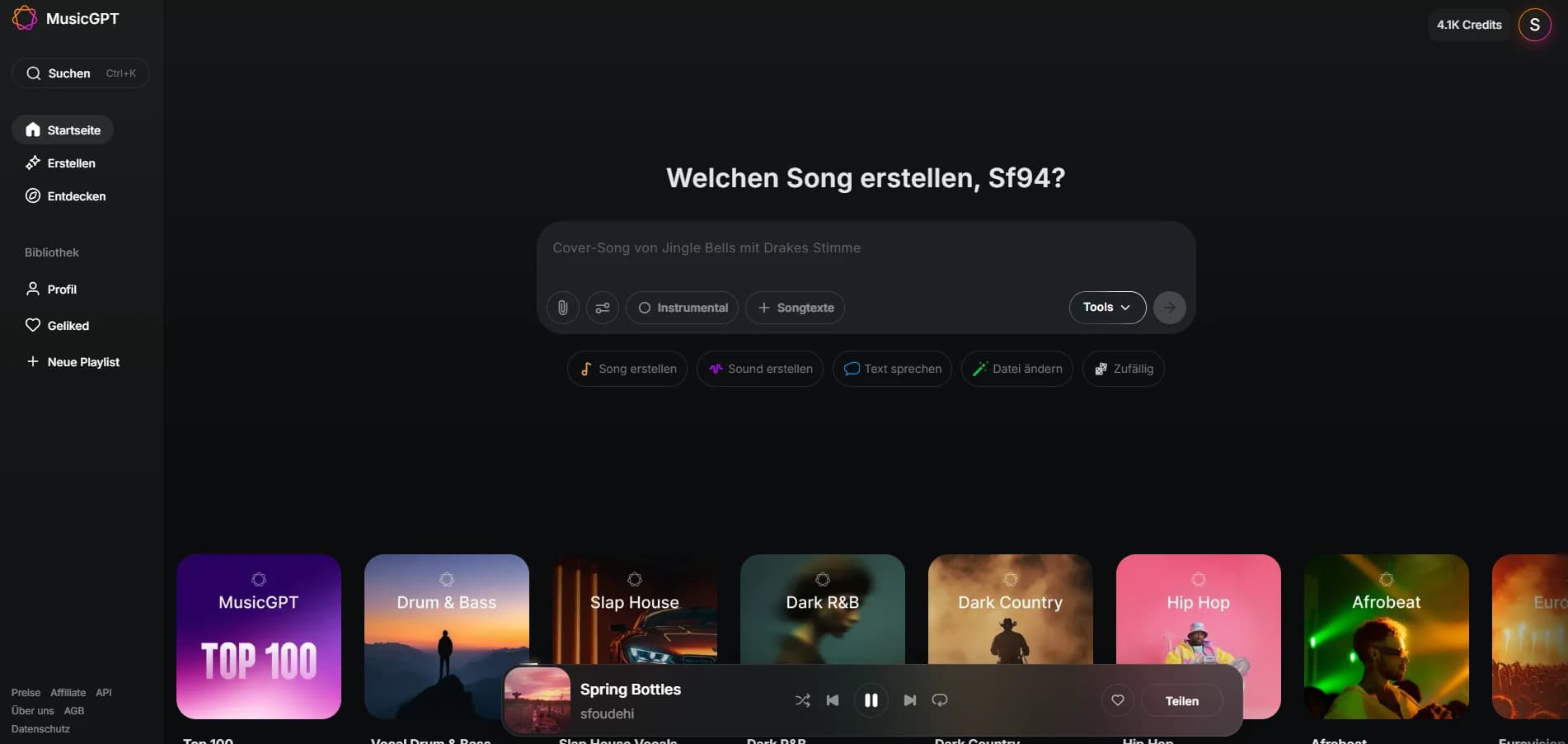
This supports fast A/B decisions and reduces the effort needed for the first selection.
5. History, Downloads, and Export
Generated outputs are stored in a history list. From there, results can be re-generated or downloaded.
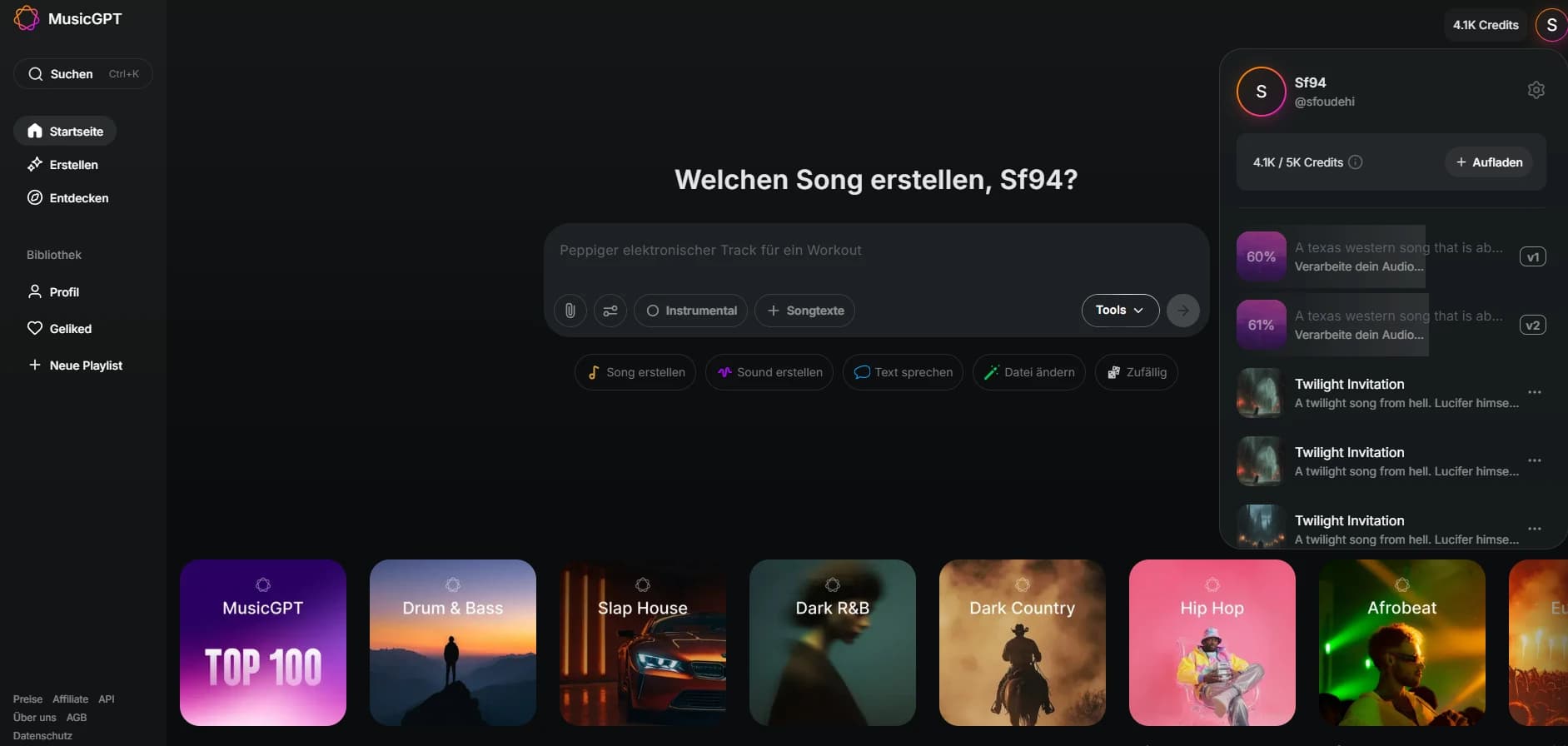
The history provides a simple way to secure progress and compare versions.
6. Discover Feed and Trend Exploration
Beyond generation, MusicGPT offers a Discover section with trends, curated playlists, and community content.
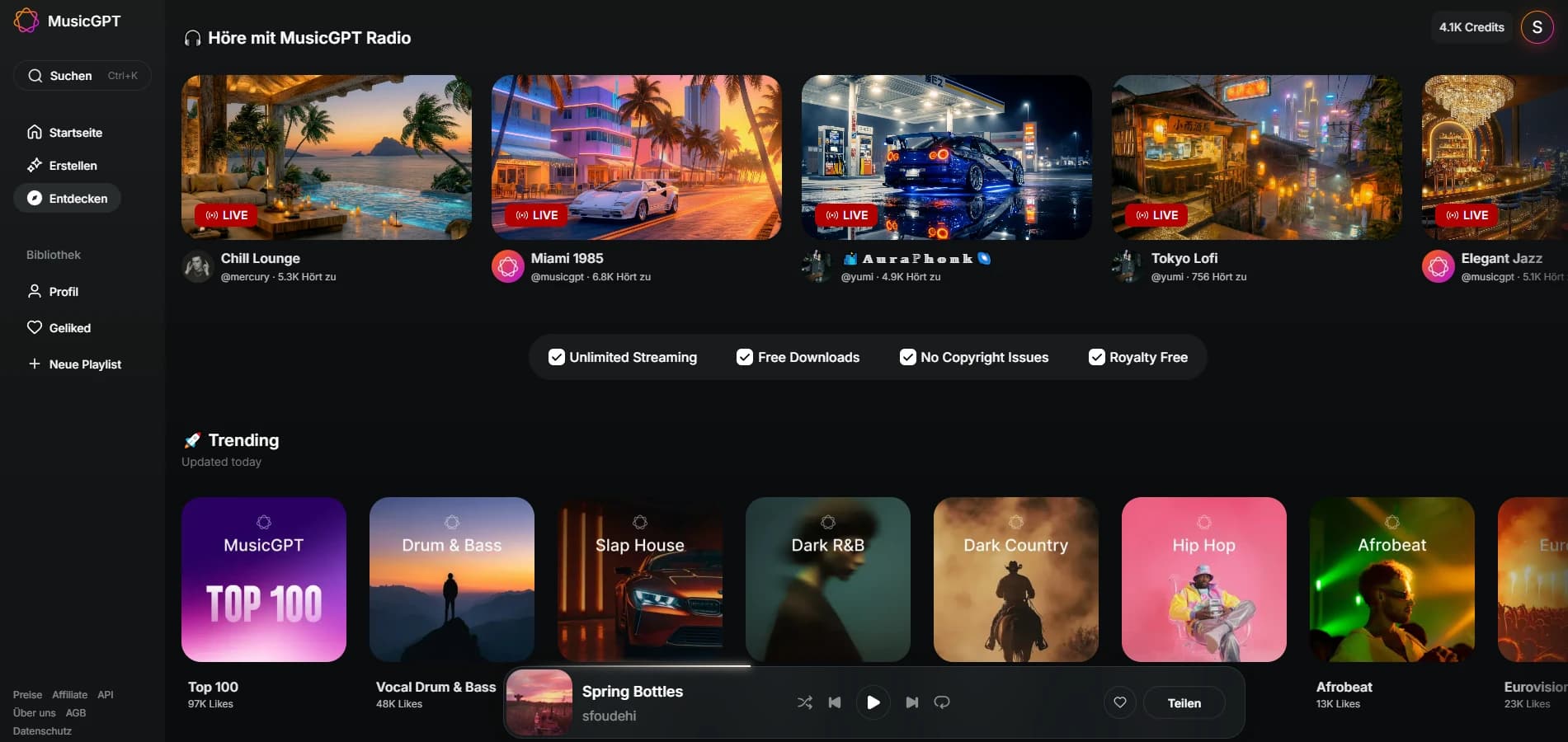
This area is useful for finding styles and iterating prompts based on existing outputs.
7. Credit System and Cost Logic
MusicGPT uses a credit-based billing system.
- Actions consume credits
- Credits do not expire
- Clear cost display before each generation
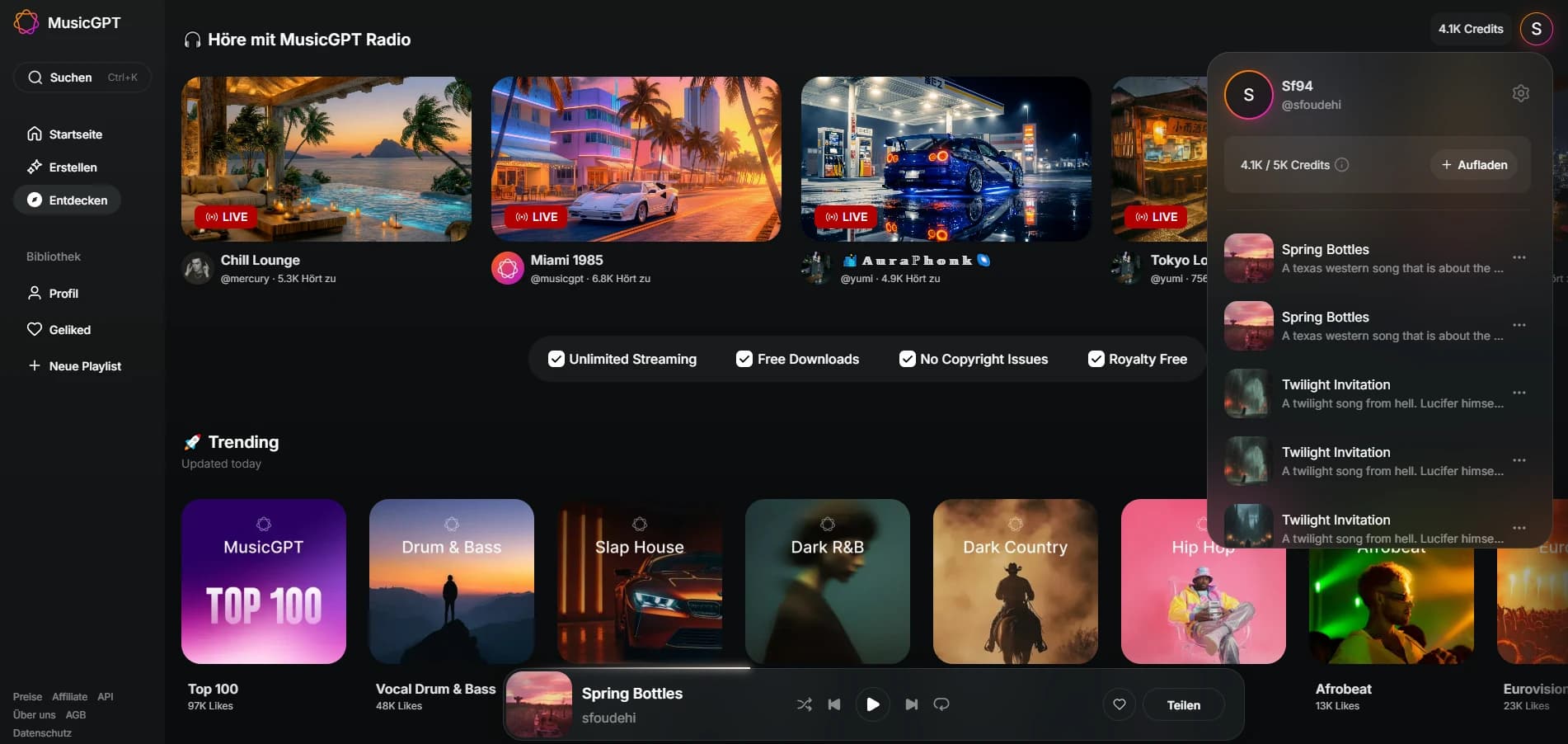
The model is flexible, but without cost control it can become expensive with heavy use.
8. Practical Use Cases
—Good fit for:
- Background music
- Prototyping
- Content production
- Fast sound ideation
—Less suited for:
- Complex compositions
- Distinct personal sound signatures
- Detail-heavy music production
MusicGPT does not replace a DAW. It replaces stock music and basic sound libraries.
9. Pros and Cons
—Pros
- Very low entry barrier
- Fast results
- No licensing clearance required
- Broad audio scope
—Cons
- No fine-grained control
- Results can feel interchangeable
- Strong prompt dependence
- Opaque training data
10. Alternatives and Positioning
Compared to classic music software, MusicGPT offers less control but much higher speed. Versus other AI music tools, it stands out through feature breadth.
It is a tool for efficiency, not a replacement for creative authorship.
11. FAQ
Is the music royalty-free?
According to the provider, yes. Legal certainty depends on the platform terms.
Can the music be used commercially?
Generally yes, as long as platform rules are followed.
How detailed should prompts be?
The more specific, the more consistent the result.
Are stems available?
No. Only a final mix is provided.
Conclusion
MusicGPT is a functional AI tool for fast audio generation. It excels in accessibility and speed, not in creative depth.
For users who treat music as a means to an end, the system offers real value. Artistic individuality remains a human task.